Your school uses NuPay to send invoices and collect fees. That means you can pay by EcoCash, card or bank transfer from your phone, see what you still owe at any time, and get a receipt the moment your payment lands. No queue at the bursar’s window, and no sign-up.
You don’t create an account. Your school sends you the invoice; you pay it.
Your school sends it, or you find it in the school’s parent portal. It shows the term, the fees, the due date and the amount.
Choose EcoCash, InnBucks, O’mari, OneMoney, SmileCash, a Visa or Mastercard, or a bank transfer. Pay all of it, or part now and the rest later.
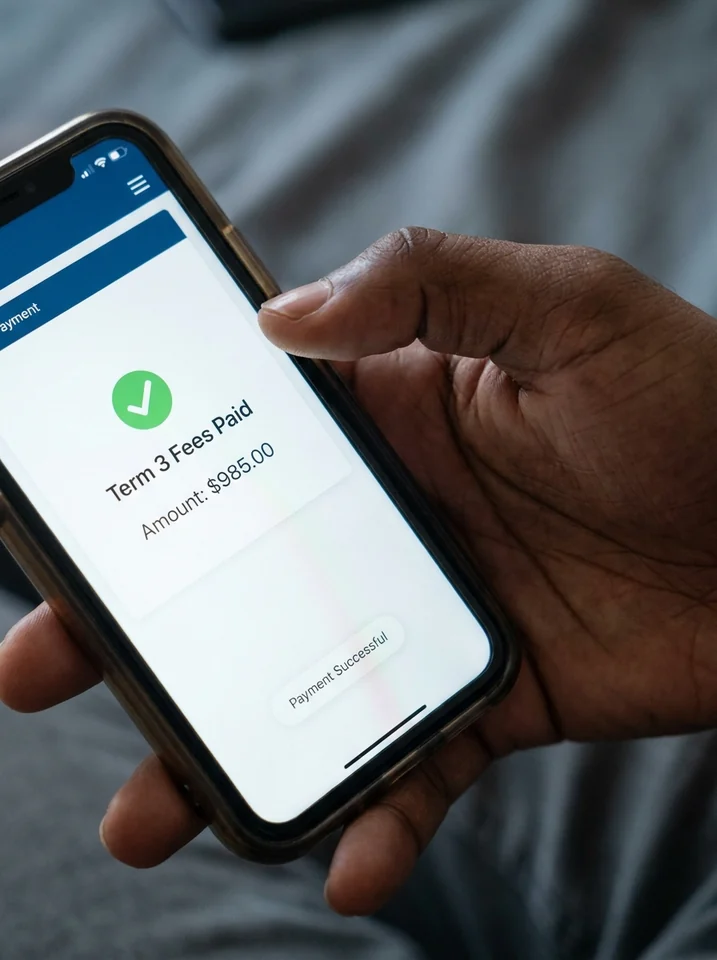
The school’s records update the moment your payment lands, your balance drops, and you have a receipt to keep.
Every option goes to the same place: your child’s invoice at the school.
Visa & Mastercard
Any card, anywhere
If you are supporting a child at school in Zimbabwe from overseas, you pay the invoice with your card or bank wherever you are. The money settles into the school’s own account, and the school sees your name against your child’s fees, not a mystery deposit.
Every payment updates your child’s balance straight away, and the school’s records and your portal show the same number.
NuPay never holds your money. It settles directly into the school’s own bank account; NuPay only reads the transaction to match it to your child’s invoice.
Card and mobile-money payments are handled by the payment gateway. The school’s systems never see your card number.
Every payment is recorded against your child’s invoice with a date and a receipt, so there is never a question of whether it arrived.
No. NuPay is used by your school, not by you. Your school sends you the invoice, and you pay it online or through the school’s parent portal. There is no account to create.
Your school sends it to you, and it is available in the school’s parent portal. It shows the term, what the fees are for, the due date and the amount.
Yes, if your school allows it. Pay part of the invoice now and the rest later. The invoice shows what is still owed after each payment.
The extra is kept as a credit on your child’s account and goes towards the next invoice. It is never treated as lost or as a donation.
Use the reference on the invoice when you make the transfer. NuPay reads it and matches your payment to your child’s invoice. If a reference is missing, the bursar can still match it from your name and the amount.
Yes. Pay by Visa or Mastercard from any country, or by bank transfer. The payment settles into the school’s account and is matched to your child’s invoice like any other.
Invoices are issued in USD. Your school can accept payment in other currencies, converted at the approved rate for that day. Ask your school which currencies it accepts.
Yes, for every payment, whichever way you paid.
Your school’s bursar. They can see your child’s full statement, every payment and every invoice, and sort it out on the spot.
Online payments, automatic matching and balances that update themselves. See how NuPay works for your school.